Porting Teleporter - Day 1
Feeling lost? Check out the previous “Porting Teleporter” posts!
Objectives
I want to start small and have enough visual things happening to keep my dopamine levels high and interested in this mini-project. For today, I want to:
- Organize the project.
- Replace the old assets with the ones from the APK.
- Compile an APK for Android.
Organizing the project
Files and Directories
This is the mess I had.
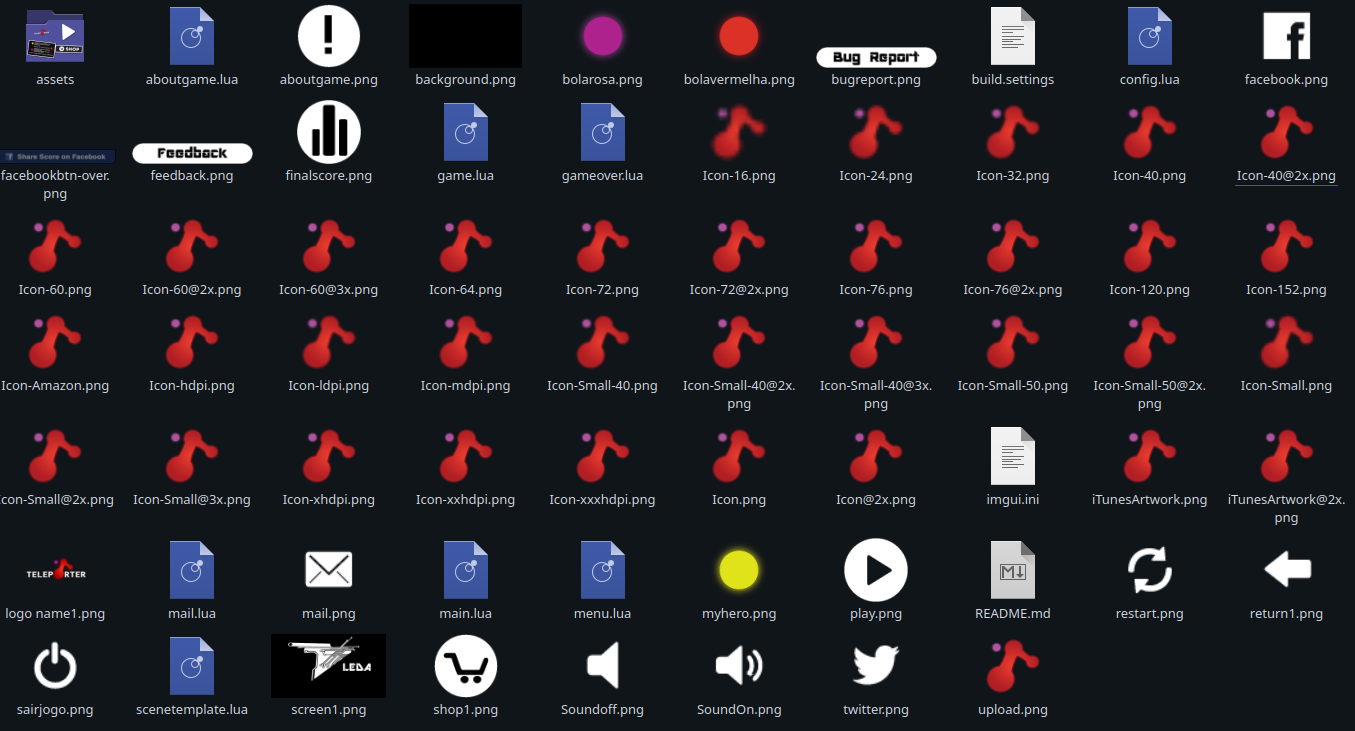
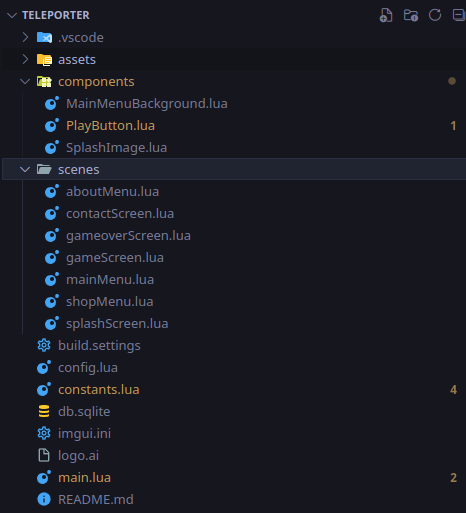
I started organizing the project to at least have the assets and the code in separate directories. This structure might suffer some changes down the line, but I feel like this is the bare minimum:
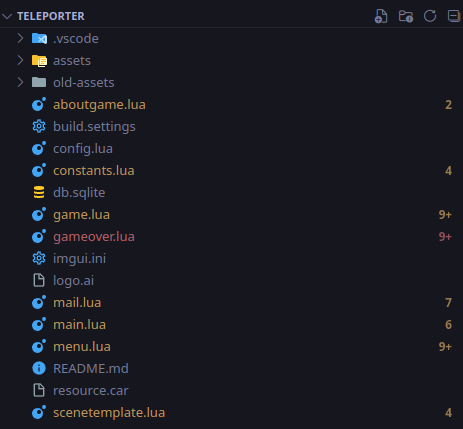
I went ahead and replaced all of the old assets from the backup at once and prayed I didn’t change their names too much. If I did, I will have a mix bag of old and new assets flying around.
The constants.lua File
A staples in my coding is to always have a place to store constants and paths. Right now, all paths are being written as a string directly in the code. Here is an example of what I found:
...
backButton = display.newImageRect("return1.png", 40, 40)
backButton.x = 20
backButton.y = 300
...
I created a constants.lua file to store all of these paths and extra information that I might need in other parts of the project. It ended up looking something like this:
local M = {}

-- Screen dimensions
M.screenWidth = display.contentWidth
M.screenHeight = display.contentHeight
M.centerX = display.contentCenterX
M.centerY = display.contentCenterY
-- Strings
M.contactEmail = "geral@danvj.pt"
-- Asset paths
M.imagesPath = "assets/images/"
M.soundsPath = "assets/sounds/"
-- Splash image files
M.logoSplashImage = M.imagesPath .. "screen1.png"
-- UI image files
M.backButtonImage = M.imagesPath .. "return1.png"
M.restartButtonImage = M.imagesPath .. "restart.png"
M.feedbackButtonImage = M.imagesPath .. "feedback.png"
M.bugReportButtonImage = M.imagesPath .. "bugreport.png"
-- Sound files
M.teleportSound = M.soundsPath .. "Teleporttest3.mp3"

...
This allows me to go into the individual files that are making use of these assets, and changing the paths there to point to the constants file:
constants = require("constants")
...
backButton = display.newImageRect(constants.backButtonImage, 40, 40)
backButton.x = 20
backButton.y = 300
...
In the future, if I have to change the name of the file, or restructure the project, I can just make the changes through the constants file.
First try?
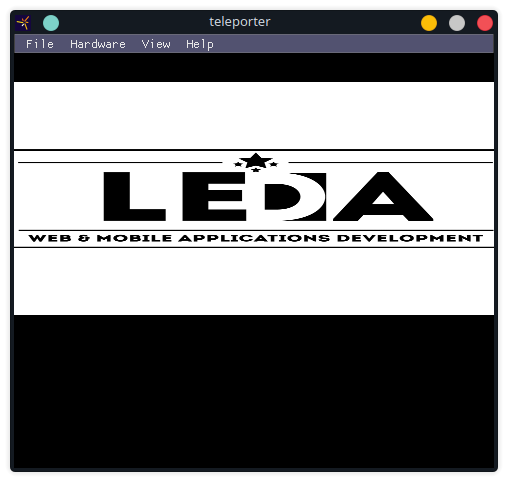
After replacing the assets and fixing the paths, I decided to run the simulator and see how everything looked. The splash screen looked a bit odd:
And the main menu… looked like this:
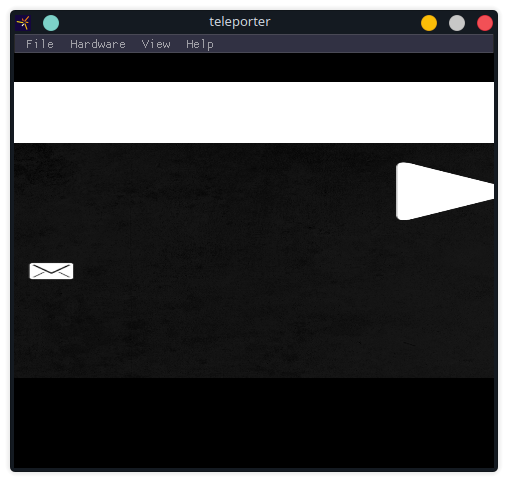
Okay, so I had a problem, but thankfully it didn’t take too long to solve. It seems like there is a Project Sandbox in the Solar2D Simulator, and for some reason it needed to be cleaned before testing. On the second try, the Main Menu looks a lot better, although it is still far from perfect:
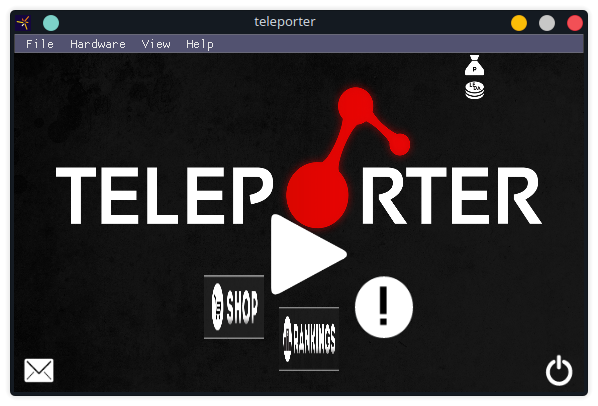
Now it seems to be a good time to try and build an APK.
Building an APK
The mysterious password
I tried to build an APK using the Linux version of Solar2D, but unfortunately I got stuck here:
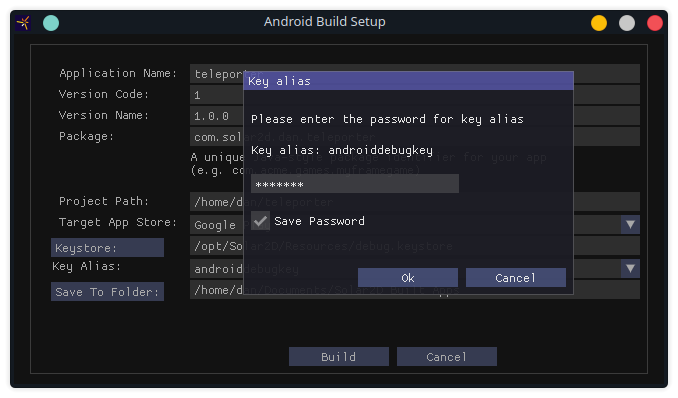
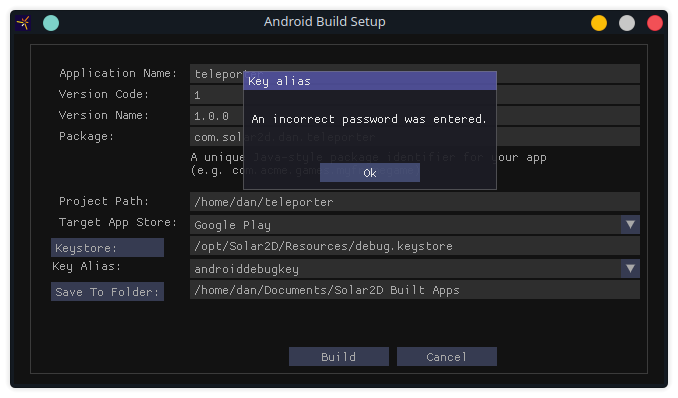
I read the documentation and a couple of forums, and the suggestion was to use android as the password. I tried it, but it didn’t work:
I went to the Solar2D repository and found an open issue that describes my exact problem. The only comment on it was hoping that this pull request would solve the problem, but, spoiler alert, it didn’t.
Maybe Windows can help?
I try my best to only touch the Windows OS when I absolutely have to. My lack of ideas lead me to try and install Solar2D on a Windows VM and build the APK there. Unfortunately, whenever I try opening the Solar2D Simulator, the software crashes and complains about the VM not being able to support OpenGL 2.1:
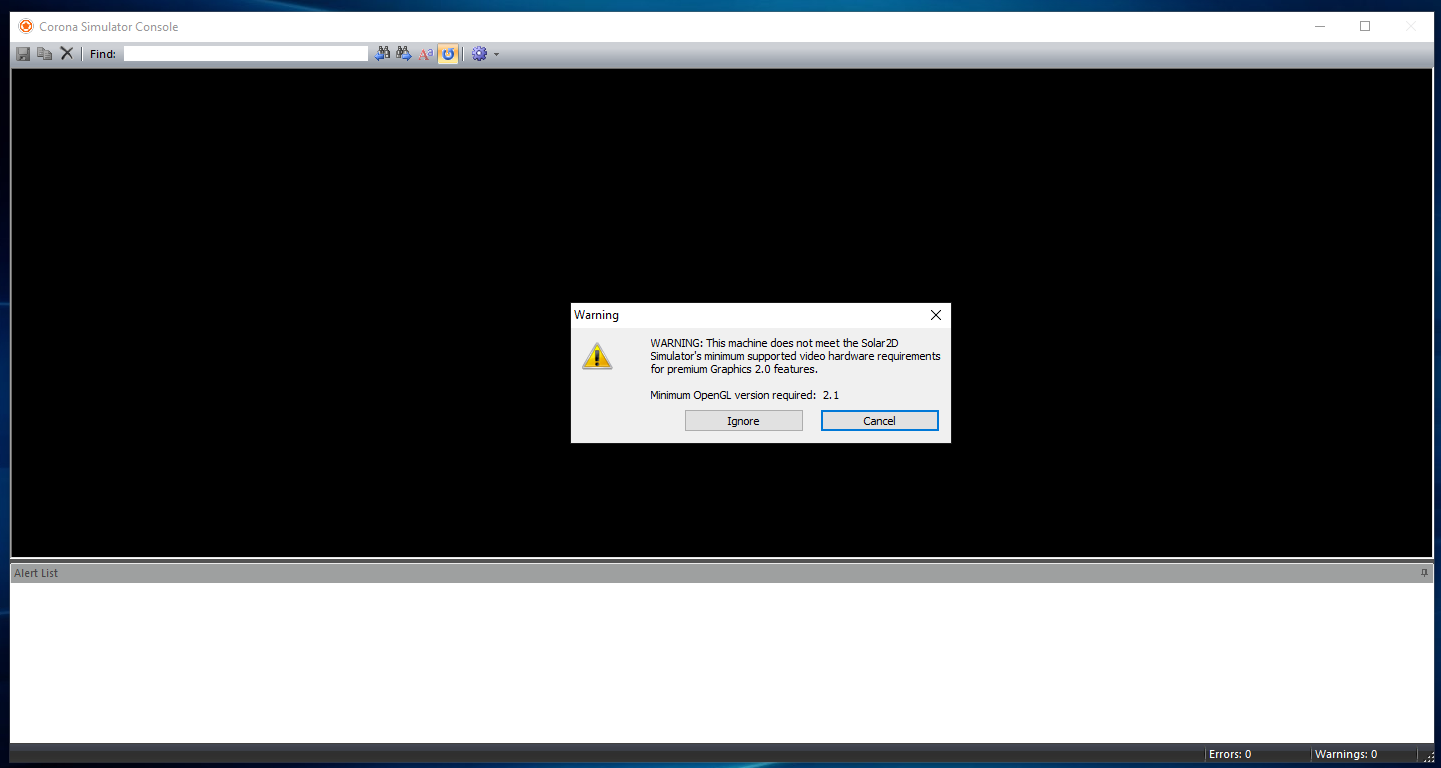
I decided that I would not waste more time trying to make it work under a VM.
Updating the version on Linux
On my last post I described how found the Solar2D project on the AUR and to installed it from there to avoid using snaps. Well, the version in the AUR is the version 2023.3697, and the current version is 2024.3706. Maybe something in this version is causing the problem? Let’s find out.
Still trying to avoid installing snaps, I modified the PKGBUILD file to use the latest version available. If someone finds this interesting, here is the diff:
diff --git a/PKGBUILD b/PKGBUILD
index b01309c..63a357a 100644
--- a/PKGBUILD
+++ b/PKGBUILD
@@ -5,7 +5,7 @@
 # I probably won't read your email

 pkgname=solar2d-bin
-pkgver=2023.3697
+pkgver=2024.3706
 pkgrel=1
 pkgdesc="Simple to learn and use, completely free and open source 2D game engine"
 arch=('x86_64')
@@ -14,9 +14,9 @@ license=('MIT')
 depends=('glu' 'zlib' 'openal' 'freetype2' 'libpng' 'libjpeg' 'openssl-1.1' 'curl' 'sdl2' 'java-runtime')
 makedepends=('squashfs-tools')
 # The license file is available in the same commit from which the snap was built from
-source=("https://github.com/coronalabs/corona/releases/download/3697/Solar2D-Linux-${pkgver}_amd64.snap"
+source=("https://github.com/coronalabs/corona/releases/download/3706/Solar2D-Linux-${pkgver}_amd64.snap"
         "https://raw.githubusercontent.com/coronalabs/corona/685b98d1154c140b5bac138317621dc8ee2fa103/LICENSE.md")
-sha256sums=('509a1aaf622bf41490dcfe63aa040ba4f327e9e1a4c2a7b5aa32c749a059f31a'
+sha256sums=('0cfa1fcf2629d6314b74fc74ed89ac6efdfe5cc5f84a2b09f456558c6486f466'
             '8b3bad18f5a69906b8f03a4c525af48b76bdc7a46540c633ea0b1bdcc43b4176')

 prepare() {
After installing version 2024.3706, I ended up having the same issue as before. Well, at least I am all up to date on the Solar2D versions, right?!
Pause for some WINE
WINE is one of those projects that I have a tremendous respect for, and has helped me countless times along the years. Maybe if I can run Solar2D under WINE, I could finally get rid of this issue. Since I couldn’t be bothered to waste too much time on this, I just used Bottles which usually works extremely well.
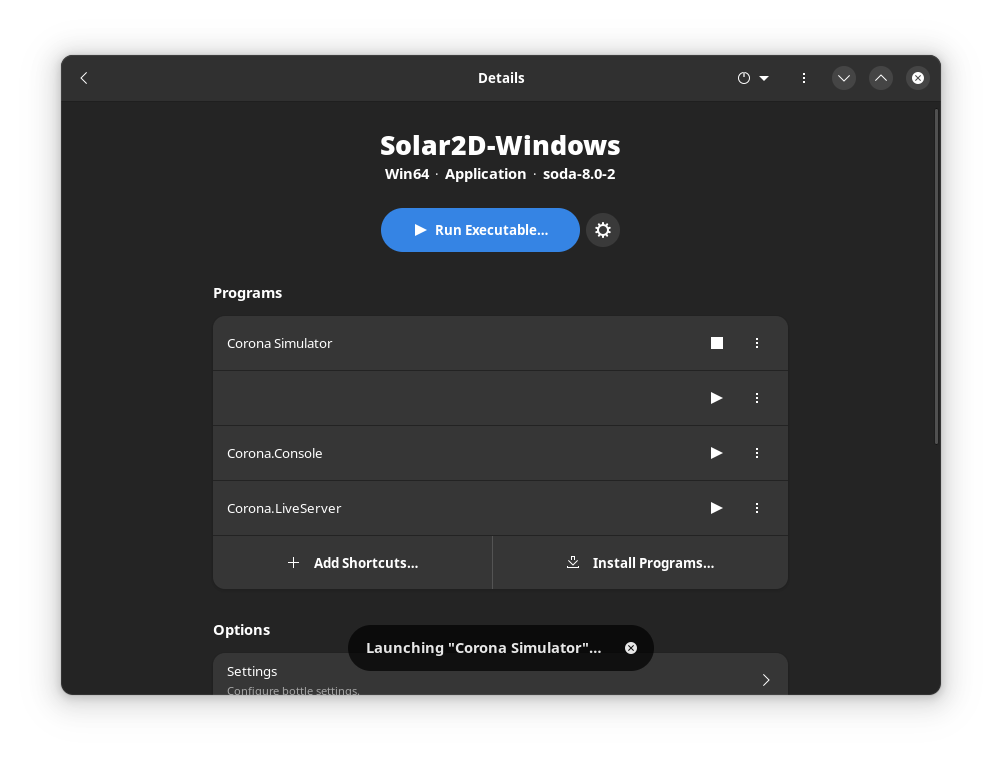
Everything looked very promising, and the build seemed to be going smoothly… until it wasn’t:
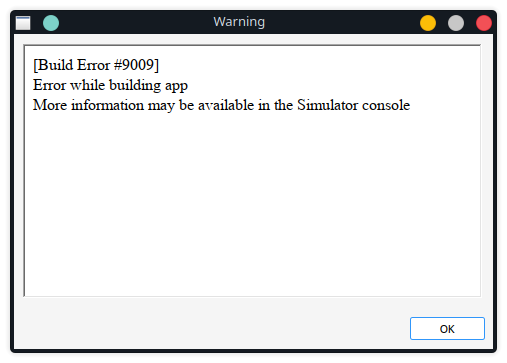
The error message suggested that there would be more information on the Simulator console, but nothing extremely helpful:
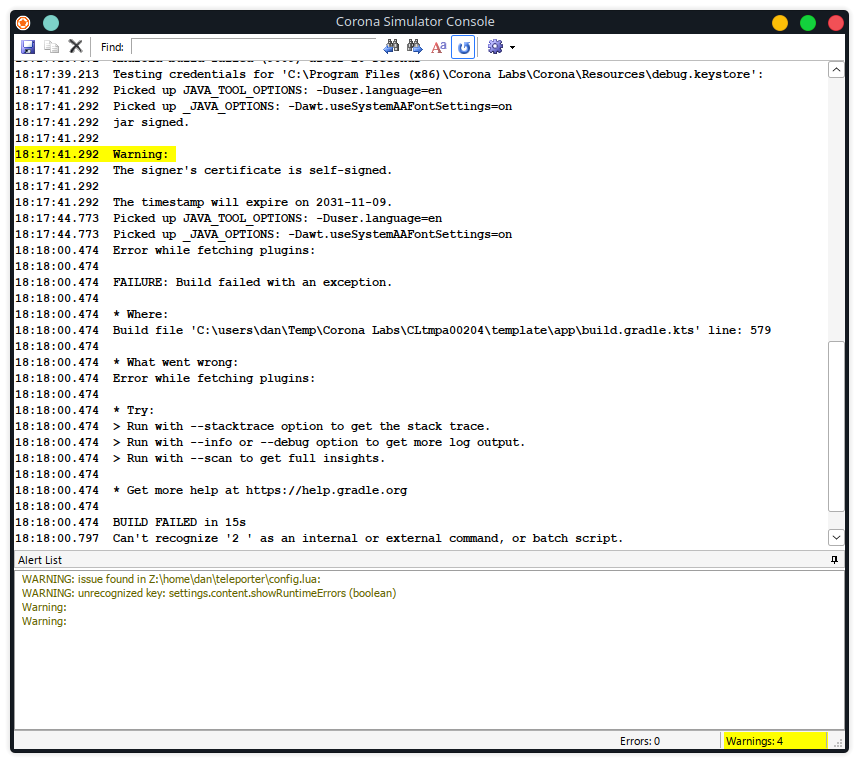
I was stuck and decided against mindlessly digging on gradle files and logs.
I’ll be back!
Okay, so no APK for now, but I won’t give up! Maybe I will try building it in a bare metal Windows machine. Or maybe in my MacOS VM. Who knows?
Cleaning up the mess
Since I really like Lua, and it has been a while since I have used it, I decided to take a second look at the code base. I saw a couple of things that looked like they could be cleaned up further and minor bugs that I could get rid of.
Scenes, components and modules
The files that I had before were very messy. It was hard to understand what each file did. I started looking at some of the smaller files and abstracting some logic inside of them. For example, I removed the code that created the Play Button from the Main Menu code, and isolated in a component:
local constants = require("constants")
local composer = require("composer")

local PlayButton = {}

function PlayButton.create(size, xPos, yPos, targetScene)
    local playButton = display.newImageRect(constants.playButtonImage, size, size)
    playButton.x = xPos
    playButton.y = yPos

    function playButton:touch(event)
        if event.phase == "began" then
            composer.gotoScene(targetScene, "fade", 150)
            return true
        end
    end

    playButton:addEventListener("touch", playButton)
    return playButton
end

return PlayButton
This way, in the Main Menu file, I only had to call PlayButton.create() with the correct arguments, instead of having to call display.newImageRect() and then add the event listener, etc.
The directory structure is now much cleaner, having only the main.lua, config.lua, and constants.lua files in the root directory.
Bugs and other fixes
A bug that was easily fixable was the fact that if you played the game, and on the Gameover screen you selected to retry twice, the Game screen would get stuck:
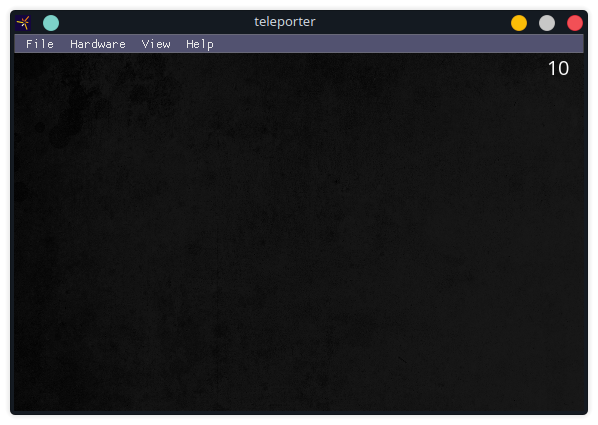
This was simply fixed because the gameover screen was never being removed from the composer, so adding these lines to the game screen fixed it:
-- Remove scenes from the composer
composer.removeScene(constants.mainMenuScene)
composer.removeScene(constants.gameoverScene)
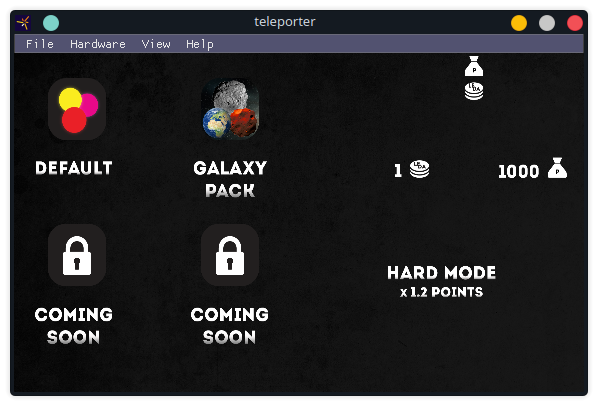
I also went ahead and fixed the incomplete menus that I mentioned on the previous post. Here is an example of the Shop Menu still missing most of the components:
A couple of notes
It’s a shame that the Linux version of Solar2D is so buggy. I know that the original maintainer left the project, but it seems like there hasn’t been much interest for this particular project from the Linux community. It’s not like Solar2D is bad, it’s just that there are so many other game engines, and more feature complete, out there, that the attention that this project gets is obviously going to be limited.
The PKGBUILD file I modified could probably be improved, and I will try and write a comment to the original maintainer to suggest these changes if I have some time. For example, the version number and the version year could be separated into two variables, since the version number is then used to build the URL for the download.
That’s all for now, I am excited to continue this port since, at least, it gives me an excuse to be using Lua again.